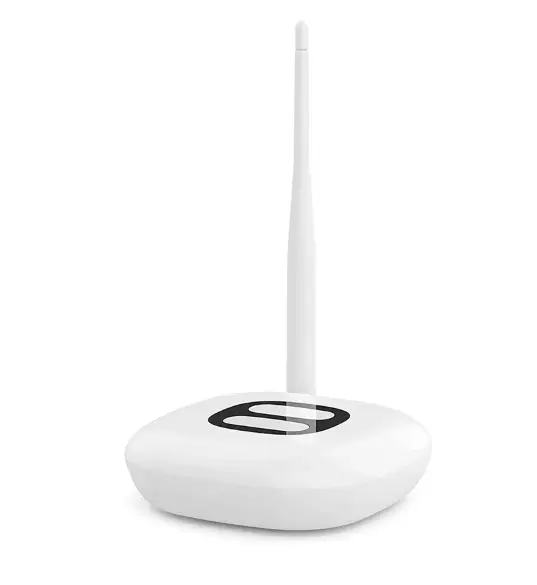
SyncSign Hub for Meeting Room Displays
Connect your workplace displays
Keep room information connected with the SyncSign Hub. It links compatible SyncSign displays to your network through Wi-Fi or Ethernet, supporting centrally managed meeting-room information.
The hub uses an external power supply and stays powered during operation.
Planning a new system? Ask us about display compatibility, hub placement and your calendar requirements before ordering.
Choose compatible displays
Explore the 2.9-inch compact display, 4.2-inch room display and 7.5-inch room display. Confirm compatibility and coverage for your room layout before ordering.
Plan hub placement with WorkTools | Compare meeting room systems
Plan your SyncSign setup
Check these key connections and requirements before you order.
Network connection
Connect the hub to your network through Wi-Fi or Ethernet. It communicates wirelessly with compatible SyncSign displays.
Continuous power
The hub uses an external power supply and stays powered during operation. Battery operation applies to compatible displays.
Compatible displays
At least one hub is required for a SyncSign system. Ask us to confirm compatibility with your existing or proposed displays.
Calendar connection
SyncSign supports Google Workspace and Microsoft 365 calendar integration. Confirm your account and setup requirements before ordering.
Hub placement
Room layout, walls and distance affect coverage. Share your room count and floor plan so we can help you plan hub placement.
Planning a larger system?
Talk to WorkTools about cloud or on-premise deployment and custom integration requirements. We can help you check the options for your workplace.